Go2Clock - Getting Started - Setting Up a Monthly Subscription
Setting up a Monthly Subscription
You will only have the option within Go2Clock to set up a monthly subscription if this has been enabled on your account. If you don't have this option but would like to move to a monthly subscription, please contact us at sales@clockrite.co.uk.
- Login to your Go2Clock account using the details provided at signup.
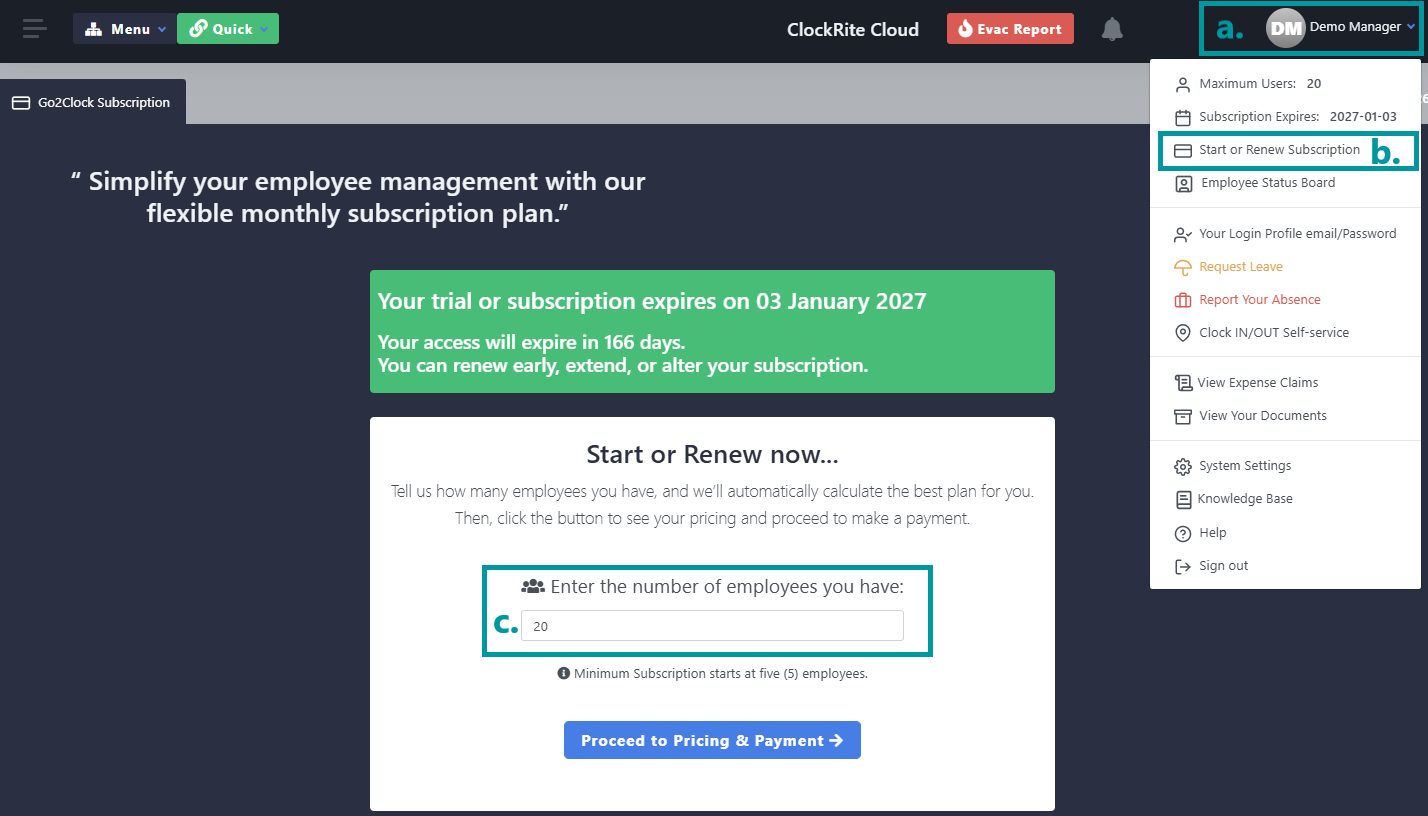
- Click on your username (a) at the top right of the page.
- Within the dropdown menu click Start or Renew Subscription (b). This will open the subscription setup page.
-
Enter the number of users you require the subscription for (C) and click Proceed to Pricing & Payment.
-
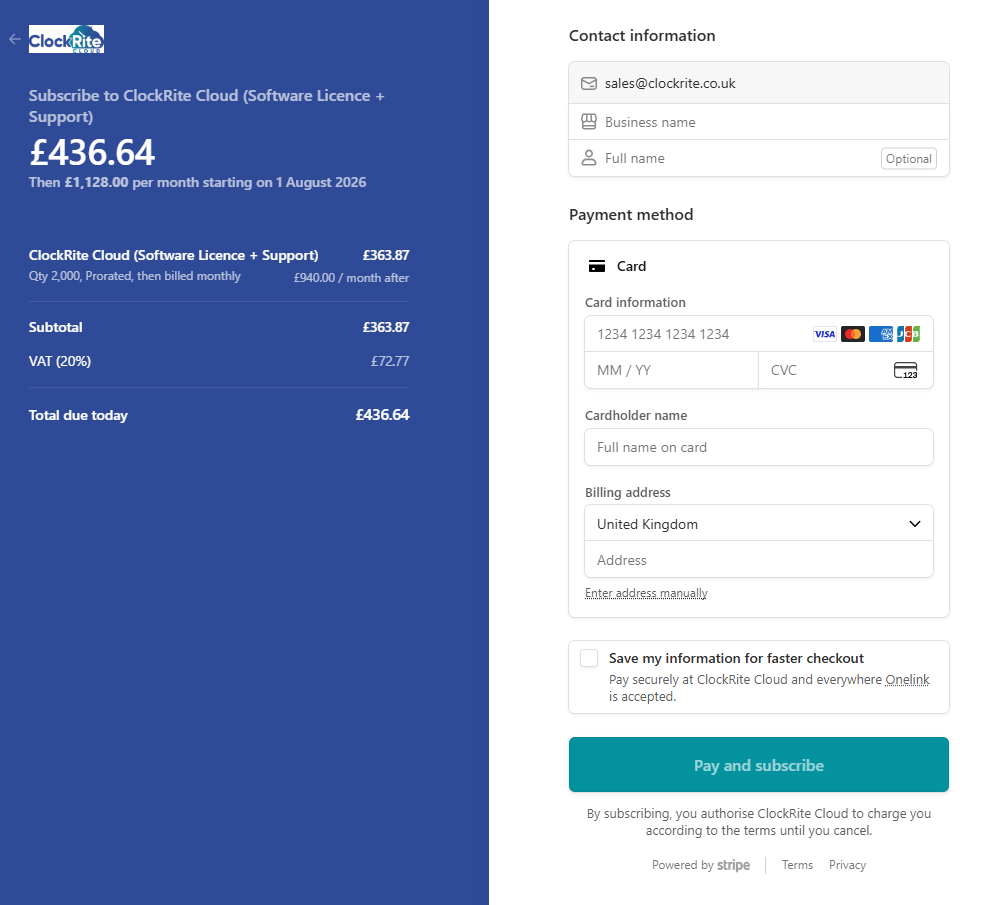
You will then be taken to the checkout page where you can enter your billing information.
- Your 1st payment, which is due on the day of signup, covers you from the date of signup up until the end of the month.
- Future invoices and payments will automatically be issued on the 1st of the month.
- You can change your user level at any time from within our Customer Portal.